
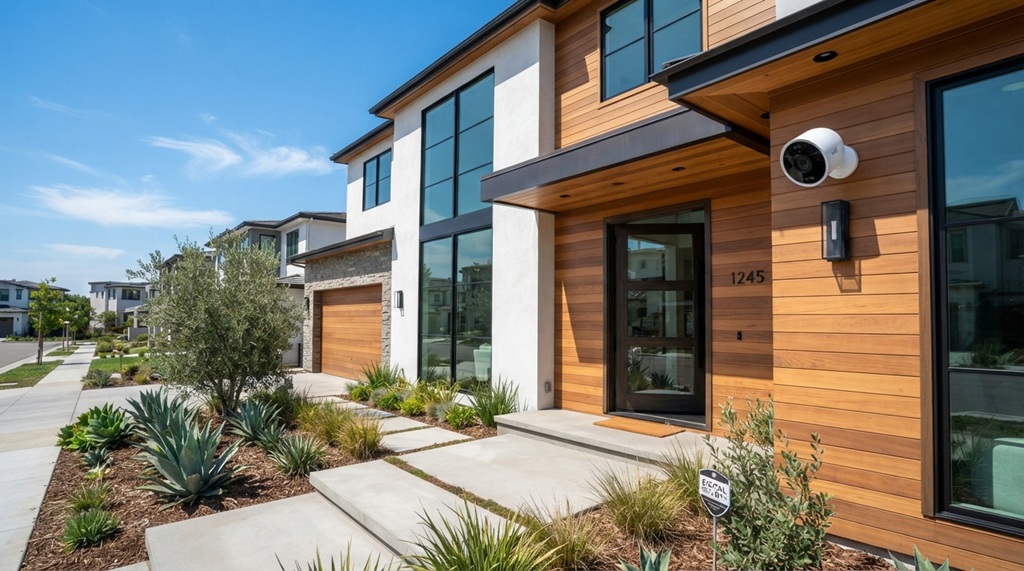
Choosing a security camera for your home in California isn’t the same as picking one for a house in Minnesota or Florida. The Golden State brings its own unique mix of challenges: blistering heat waves, coastal salt air, wildfire smoke, and staggering regional differences in crime rates and home styles. If you’ve been searching for the right setup, you’ve likely felt overwhelmed by the sheer number of options. The problem is that the “best” camera isn’t about the highest resolution or the flashiest AI features—it’s about how well a specific model handles the realities of your specific California environment. This guide cuts through the marketing hype to give you a practical, decision-focused framework for comparing systems, ensuring you get reliable coverage without wasting money on features you don’t need.
Key Takeaways
- Prioritize cameras with an IP66 or higher weatherproofing rating to withstand California’s extreme heat, dust, and seasonal storms.
- Check the operating temperature range; many standard consumer cameras fail when mounted in direct California sunlight.
- Choose between local storage and cloud plans based on your internet reliability and privacy preferences, as California wildfires often cause outages.
- Verify that your camera system is compatible with local ordinances regarding audio recording and privacy to avoid legal issues.
- Consider the “Smart” features—like package detection or vehicle recognition—that actually matter for your specific neighborhood layout and lifestyle.
Why Standard Camera Reviews Fail California Homeowners
Most national reviews focus on indoor performance or generic outdoor conditions. However, when you are comparing security cameras california homes actually require a specific set of criteria that general guides ignore. The primary issue is environmental stress. A camera that works perfectly in a mild, humid climate may suffer from heat soak in Palm Springs or corrosion from salt fog in San Diego. Furthermore, the architectural styles common here—from sprawling ranch homes to dense urban condos—change the wireless range requirements and field-of-view needs. You need a comparison strategy that starts with the environment, not just the spec sheet.
The Heat Factor: Thermal Throttling and Direct Sunlight
California’s Central Valley and desert regions regularly see temperatures above 105°F. Even coastal areas experience intense solar radiation. Many consumer-grade cameras are rated to operate up to 104°F or 113°F, but that rating assumes ambient air temperature, not direct sun exposure. When a black plastic camera housing sits in the sun, the internal temperature can rise 20-30 degrees above the ambient air. This leads to thermal shutdown or “ghosting” (image distortion). When comparing cameras, look for a maximum operating temperature of at least 122°F (50°C) and prioritize models with lighter-colored housings or included sun shields.
Coastal Corrosion and Wildfire Smoke
If you live within a few miles of the Pacific Ocean, salt air is your camera’s worst enemy. Standard aluminum housings often corrode within two years, causing the lens mount to seize. You need cameras with a 316-grade stainless steel housing or a heavy-duty polymer coating that resists salt spray. Similarly, for those in wildfire zones, the micro-particulates in smoke can coat the lens and infrared sensors, degrading night vision quality. Look for cameras with replaceable lens covers or those that are easy to clean without disassembly.
Resolution vs. Field of View: What Actually Matters
There is a common misconception that 4K resolution is always better. While 4K provides excellent detail, it also requires more bandwidth and storage. For a typical California suburban home, a 2K (QHD) camera with a wider 140-degree field of view is often more effective. This wider angle allows you to cover a long driveway and the front walkway with a single device, reducing the number of cameras you need to purchase and maintain. The key metric is “pixels per foot” at the distance you care about. A 4K camera with a narrow 90-degree lens might not capture the license plate of a car parked at the curb if the camera is mounted close to the door.
Understanding Focal Length and Sensor Size
Don’t just look at the megapixel count. Look at the sensor size (typically 1/2.7″ or 1/1.8″) and the aperture (f/1.6 vs. f/2.0). A larger sensor with a wider aperture collects more light, which is critical for Californians who experience heavy marine layer fog in the mornings or long, dark summer evenings. A camera with a 1/1.8″ sensor will generally outperform a camera with a smaller sensor at night, even if the smaller sensor has more megapixels. For optimal low-light performance, look for models with “Color Night Vision” that use a built-in spotlight to illuminate the area without washing out the image.
Wired vs. Wireless: Connectivity in the Golden State
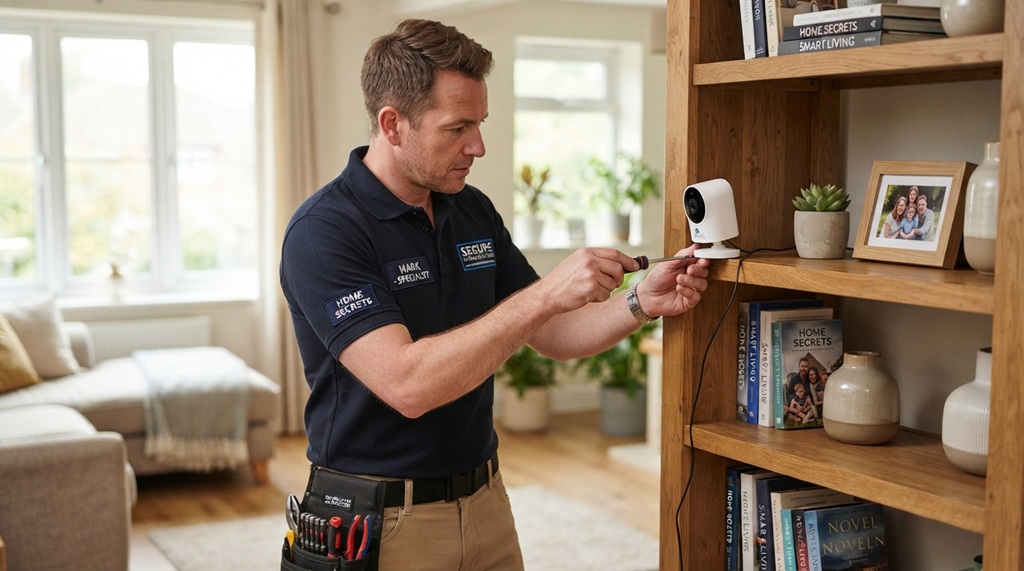
California’s geography creates unique connectivity challenges. Thick adobe walls, stucco with wire mesh, and long sprawling single-story layouts are notorious for blocking Wi-Fi signals. While a wireless camera is easier to install, a Wi-Fi camera placed in a detached garage or at the far end of a long property may constantly drop connection. You must assess the construction of your home before deciding. If you have a pre-1970s home with lath and plaster walls, those walls contain metal lath that acts as a Faraday cage, effectively blocking 2.4GHz signals.
Power over Ethernet (PoE) Advantages
For the most reliable connection, PoE (Power over Ethernet) cameras are the gold standard. They use a single Ethernet cable for both power and data, meaning your signal won’t drop, and the camera doesn’t need batteries. The downside is the complexity of running cables. However, for two-story California homes with attic spaces, running a cable is often easier than dealing with battery drain. Battery cameras are convenient, but the heat in California accelerates battery degradation; a lithium-ion battery that lasts six months in Oregon might only last four months in Bakersfield.
Privacy Laws and Audio Recording: What You Need to Know
Californians are particularly aware of privacy, and for good reason. California is a “two-party consent” state under Penal Code 632. This means you cannot legally record audio conversations without the consent of all parties involved. In practical terms, this restricts how you can use the audio features on your security cameras. You cannot point a camera with a microphone at your neighbor’s property or sidewalk and record their conversations. When comparing cameras, decide whether you need audio at all—many models allow you to disable the microphone to stay compliant.
Smart Home Integration and Local Ordinances
Before buying, check your local municipality’s noise and nuisance laws. Many California cities have “Right to Privacy” expectations regarding where cameras can point. A camera that overlooks a neighbor’s pool or bedroom window is a violation, regardless of the camera’s smart features. When comparing systems, look for “Privacy Zones” or “Motion Masking” features in the app. This allows you to blackout specific parts of the frame so the camera doesn’t record areas it shouldn’t. This is a critical feature for ensuring you stay within legal boundaries while still protecting your property.
Storage Options: Cloud vs. Local SD Recording
Security footage is useless if it fails to record when you need it most. While most cameras offer cloud subscription plans, relying solely on cloud uploads leaves your property vulnerable during local utility interruptions—such as California’s Public Safety Power Shutoffs (PSPS)—where power or internet access can drop unexpectedly. Storing footage locally on a microSD card keeps your cameras recording even when offline, but a hybrid setup combining local SD storage with automated cloud backups offers the ultimate resilience by protecting your data from both local network outages and physical camera theft. If you also use your mobile device for property monitoring or visual documentation, consider using the snapchat pro camera director mode to capture high-definition, multi-angle video seamlessly.
The Critical Vulnerability of SD Cards
One overlooked issue is that SD cards have a limited write cycle. In high-traffic areas, a card might fail within a year. You should look for cameras that support “High Endurance” microSD cards specifically designed for continuous recording. Additionally, if a burglar steals the camera, they often steal the SD card with it. Cloud storage avoids this vulnerability, but you need to factor the monthly cost into your budget. A middle-ground option is to choose a camera that offers “Secure Storage” with the base station (a local hub that records footage), which is harder for a thief to find and grab quickly.
Comparing Battery Life and Solar Options
For those avoiding wiring, solar panels are a game-changer in California. The abundant sunshine means a small solar panel can keep a battery camera topped up indefinitely. However, if you install a solar panel on a north-facing wall or under heavy eves, it won’t get enough sun. When comparing cameras, look at the power consumption—cameras with aggressive motion detection zones and continuous recording use more power. If you opt for battery cameras, choose a model with a removable battery pack so you can easily swap in a charged one rather than pulling the whole camera down to charge.
Installation Considerations: Renters vs. Homeowners
Do you own your home or rent? This significantly changes the comparison. In California, renters often face strict lease agreements about drilling holes. For renters, a camera that mounts via a magnetic base or adhesive strip is essential. For homeowners, you have the freedom to install wired systems, but you also bear the responsibility for maintenance. High ceilings, prevalent in California architecture, can make cleaning dust off the lens difficult. Look for cameras that have a “Speak & Listen” feature that is sufficient to deter intruders without having to climb a ladder to interact physically with the device.
Frequently Asked Questions
Is 4K resolution necessary for a security camera in California?
No. 4K is helpful for identifying fine details like faces or license plates at a distance, but it uses more bandwidth and storage. For most homes, a 2K camera with a wide field of view and good low-light sensor performance is more practical and cost-effective.
Can I use battery-powered cameras in the California heat?
Yes, but be aware that extreme heat speeds up battery drain. Choose cameras with a high temperature rating and look into solar panel add-ons to offset the drain, especially during the summer months.
Do I need a professional subscription for my security cameras?
Not always. You can rely on local SD storage or a base station with a hard drive to keep recording history without a monthly cost. Subscriptions typically add cloud backup, advanced AI recognition, and quicker access to recorded playback from anywhere.
Can I record my neighbor’s property with a security camera?
It is legal to have a camera that captures parts of a neighbor’s property if it is incidental to your security, but you cannot point a camera directly at their windows, doors, or private yard. Use privacy zones to block these areas to remain respectful and legally safe.
Are indoor cameras worth installing for California homes?
Yes, especially for renters or for monitoring the interior when you are away from the house. They are affordable, cover entry points that don’t have exterior coverage, and often offer effective deterrence against package theft or intrusions through attached garages.
Conclusion
Finding the right security system for your California home comes down to matching the hardware to the environment. It isn’t about buying the most expensive 4K unit; it is about choosing a ruggedized camera rated for our heat and salt air, ensuring proper wireless coverage for your home’s construction, and respecting the state’s strict privacy laws. Prioritize weather resistance, reliable power and connectivity, and storage that survives a power outage. By applying this comparison framework, you will invest in a system that provides genuine peace of mind and durable performance, regardless of whether you live in a coastal condo in Santa Monica or a mountain cabin in Lake Tahoe. Now, take a look at your home’s layout and choose the cameras that fit your specific needs.