
Ever found yourself staring at the back of your monitor, wondering what all those ports are for? You’re not alone. With so many different types of monitor ports, it can be a bit overwhelming. But don’t worry, we’re here to break it down for you. Let’s dive into the world of monitor ports types and see what each one does.
HDMI (High-Definition Multimedia Interface)
What is HDMI?
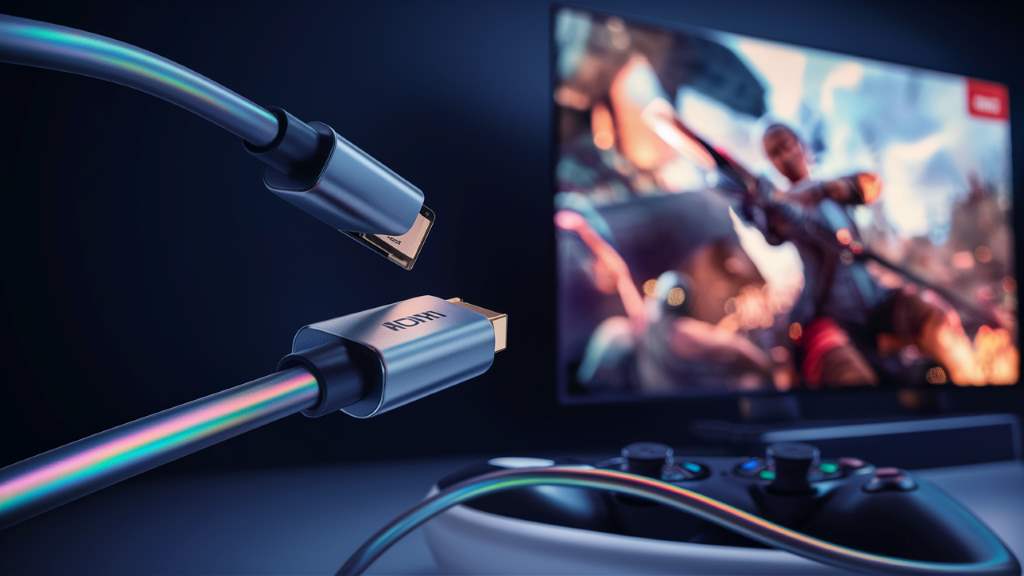
HDMI is probably the most common port you’ll find on modern monitors. It’s like the Swiss Army knife of ports, handling both video and audio signals. This makes it super convenient because you only need one cable for both.
Why Use HDMI?
HDMI is great for high-definition video and audio. Whether you’re watching a movie, playing a game, or just browsing the web, HDMI delivers crisp, clear images and sound. It’s like having a direct line to your entertainment.
Different Versions of HDMI
There are several versions of HDMI, each with its own set of features. HDMI 1.4, for example, supports 4K video at 30Hz, while HDMI 2.0 supports 4K at 60Hz. The latest version, HDMI 2.1, supports 8K video and higher refresh rates. It’s like upgrading from a bicycle to a sports car.
DisplayPort
What is DisplayPort?
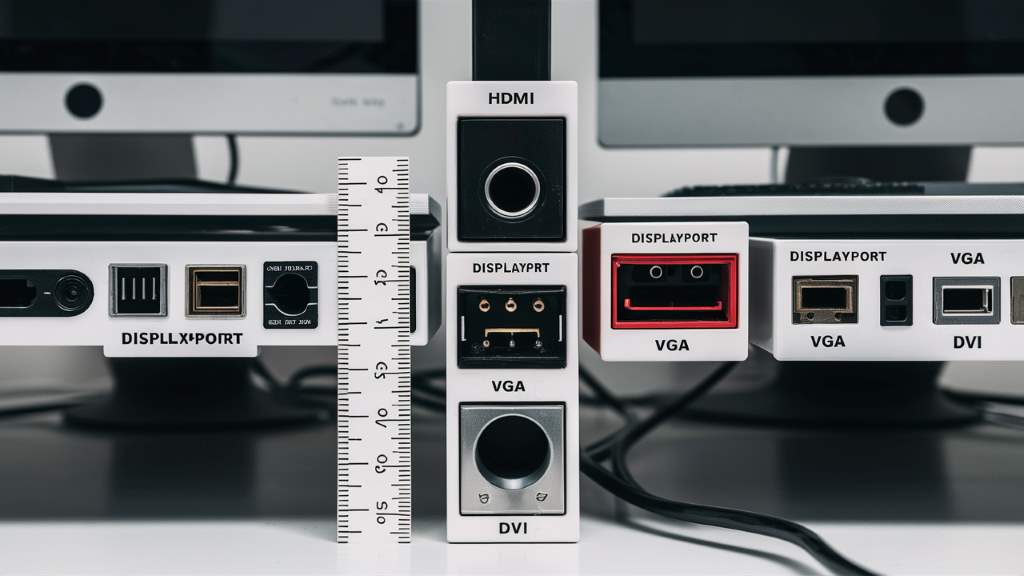
DisplayPort is another popular port, especially among gamers and professionals. It’s designed to handle high-resolution video and multiple monitors. Think of it as HDMI’s more powerful cousin.
Why Use DisplayPort?
DisplayPort supports higher resolutions and refresh rates than HDMI. If you’re into gaming or need multiple monitors for work, DisplayPort is the way to go. It’s like having a turbocharged engine in your computer setup.
Different Versions of DisplayPort
Just like HDMI, DisplayPort has different versions. DisplayPort 1.2 supports 4K at 60Hz, while DisplayPort 1.4 supports 8K at 60Hz. The latest version, DisplayPort 2.0, supports 16K video. It’s like going from a regular TV to an IMAX theater.
DVI (Digital Visual Interface)
What is DVI?
DVI is an older type of port that you might still find on some monitors. It’s primarily used for video and doesn’t carry audio signals. Think of it as the grandparent of HDMI and DisplayPort.
Why Use DVI?
DVI is still useful if you have an older monitor or graphics card. It supports high-definition video, but you’ll need a separate cable for audio. It’s like using a landline phone in the age of smartphones.
Different Types of DVI
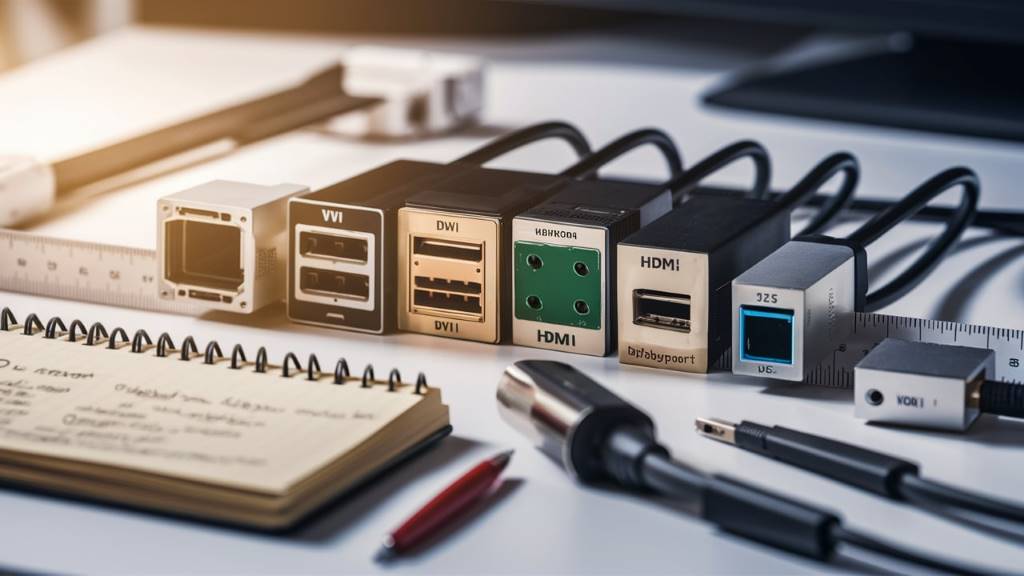
There are three types of DVI: DVI-A (analog), DVI-D (digital), and DVI-I (integrated). DVI-D is the most common and supports high-definition video. It’s like choosing between AM and FM radio.
VGA (Video Graphics Array)
What is VGA?
VGA is one of the oldest types of monitor ports. It’s an analog port, which means it doesn’t support high-definition video. Think of it as the dinosaur of monitor ports.
Why Use VGA?
VGA is mostly used for older monitors and projectors. It’s not ideal for high-definition video, but it gets the job done for basic tasks. It’s like using a typewriter in the digital age.
Limitations of VGA
VGA has several limitations, including lower resolution and image quality. It’s not the best choice for modern monitors, but it’s still useful for older equipment. It’s like driving a vintage car – charming, but not very practical.
USB-C
What is USB-C?
USB-C is a newer type of port that’s becoming increasingly popular. It’s a versatile port that can handle video, audio, data transfer, and even power delivery. Think of it as the all-in-one solution for modern devices.
Why Use USB-C?
USB-C is great for its versatility and convenience. With one cable, you can connect your monitor, charge your laptop, and transfer data. It’s like having a Swiss Army knife in your tech arsenal.
Different Uses of USB-C
USB-C can be used for a variety of purposes, from connecting monitors to charging devices. It’s compatible with Thunderbolt 3 and 4, which offer even faster data transfer speeds. It’s like having a high-speed train for your data.
Thunderbolt
What is Thunderbolt?
Thunderbolt is a high-speed port developed by Intel and Apple. It’s similar to USB-C but offers faster data transfer speeds and more features. Think of it as USB-C on steroids.
Why Use Thunderbolt?
Thunderbolt is ideal for high-performance tasks like video editing and gaming. It supports multiple monitors, high-resolution video, and fast data transfer. It’s like having a supercharged engine in your computer setup.
Different Versions of Thunderbolt
There are several versions of Thunderbolt, with Thunderbolt 3 and 4 being the latest. Thunderbolt 4 offers even faster speeds and more features than Thunderbolt 3. It’s like upgrading from a sports car to a Formula 1 race car.
Conclusion
Understanding the different types of monitor ports can help you make the most of your computer setup. Whether you’re using HDMI, DisplayPort, DVI, VGA, USB-C, or Thunderbolt, each port has its own set of features and benefits. By knowing what each port does, you can choose the best one for your needs and enjoy a better viewing experience.